Auto-generated Notes
Turn each lecture transcript into clear, tailored notes.
Shared Free AI trial · more with ProUniTracks for university
UniTracks is a UK university degree tracker and grade calculator for managing marks, modules, deadlines, targets and revision.
Coming in 3.0.2 · iPhone & iPad
A study workspace built around your modules: lecture transcripts, revision material and your own notes, alongside the degree tracker you already use.
The study suite is not in the current App Store release yet. No release date is announced.
See what’s Free and ProTurn each lecture transcript into clear, tailored notes.
Shared Free AI trial · more with ProTurn lecture content into standalone revision questions. Practise and revisit your saved decks.
Shared Free AI trial · more with ProTest your understanding with questions generated from your lecture transcripts.
Shared Free AI trial · more with ProWrite notes by hand and annotate imported PDFs on iPad with Apple Pencil. Read and manage saved notes on iPhone.
Pencil writing requires Pro · iPad onlyStudy Bank keeps saved material organised by module. Ask this lecture and Ask this module add contextual questions with Pro. Exam Cram helps decide what to study next.
Free includes 10 transcript imports total and 3 AI generations total, shared across Notes, Flashcards and Quiz in any combination. These do not reset each month. Pro includes one shared monthly Study AI allowance, not unlimited AI. Optional Extra AI top-ups use the same balance across study tools. Prices and purchases come from the App Store.
Everything stays connected
No scattered spreadsheets, calendar notes or guesswork about what one result means for the rest of your degree.
Know where you stand
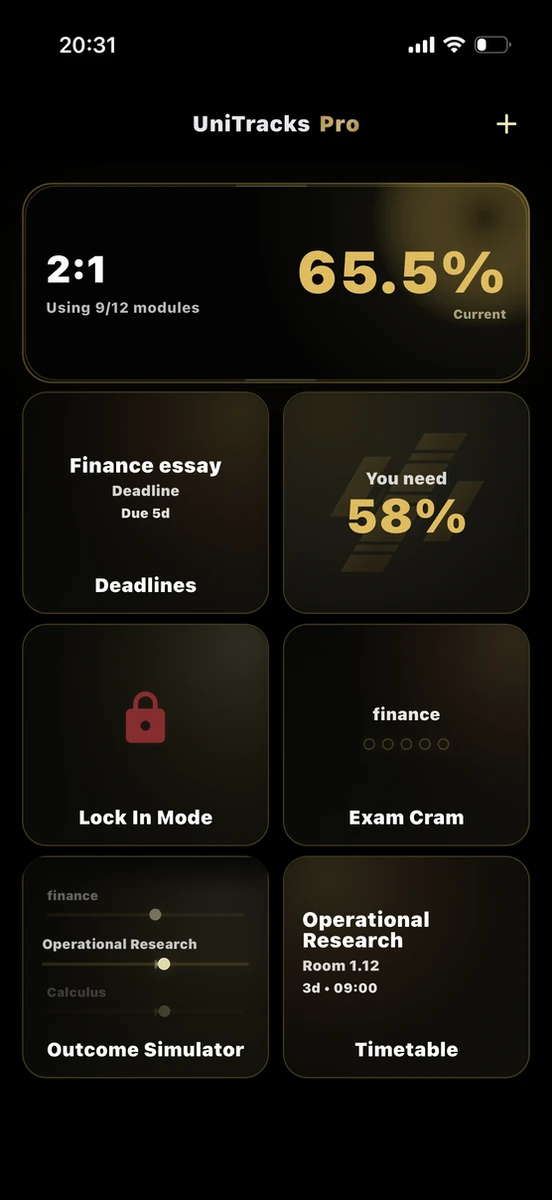
Your dashboard brings your current degree position, target, deadlines and next study priority into one calm view.
Know what you need
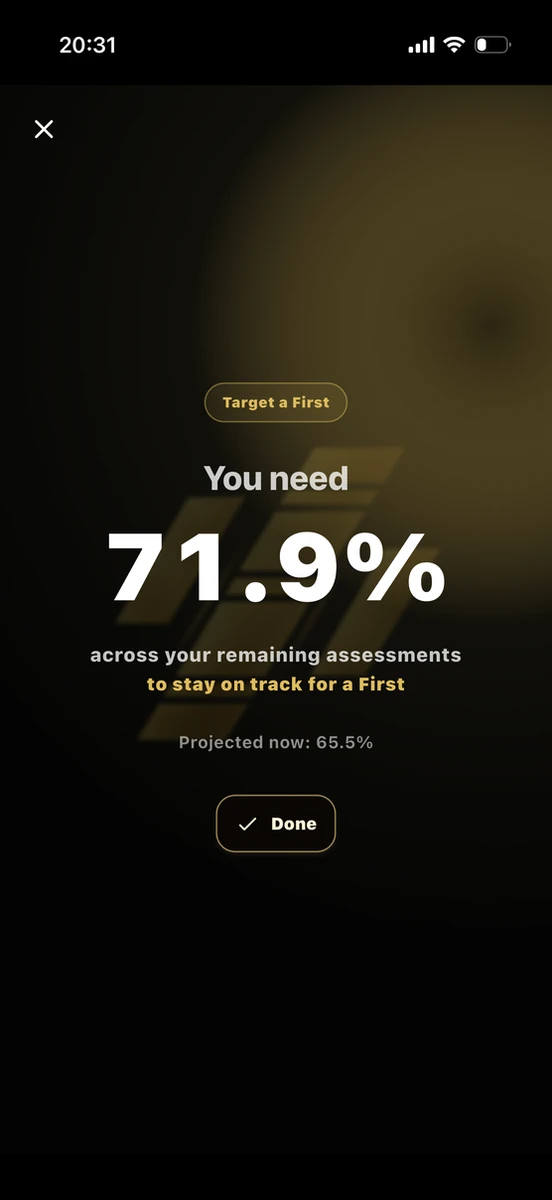
Choose the classification you want and UniTracks works out the average needed across your remaining assessments.
Keep every result connected
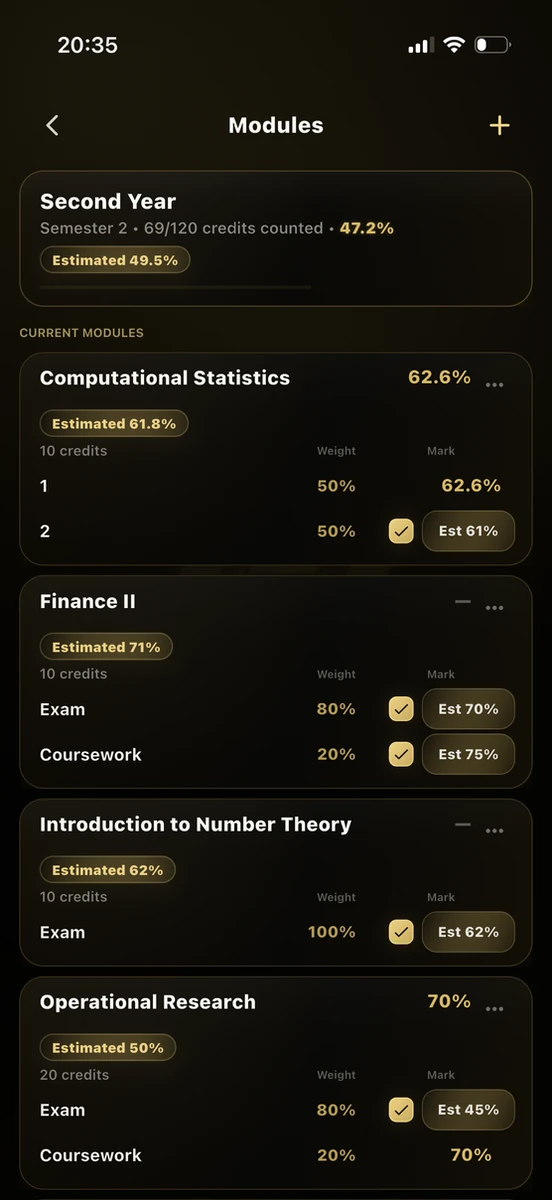
Keep credits, assessment weightings, confirmed marks and estimates together, with every change reflected across your degree.
Know what deserves attention
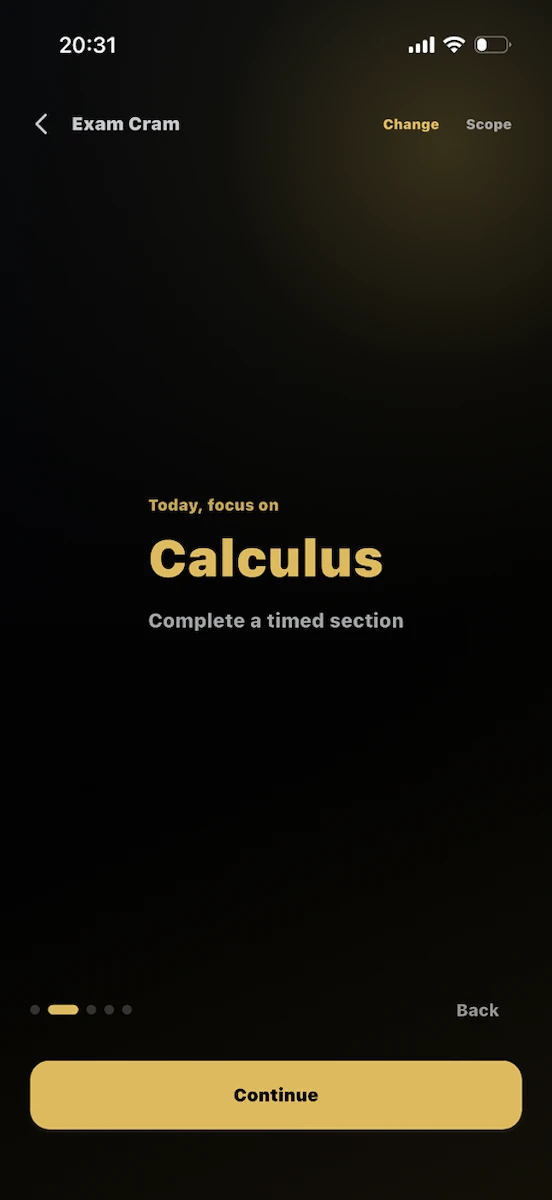
Exam Cram weighs up your deadlines, assessment impact and recent study so you know what is worth focusing on next.
Actually get the work done
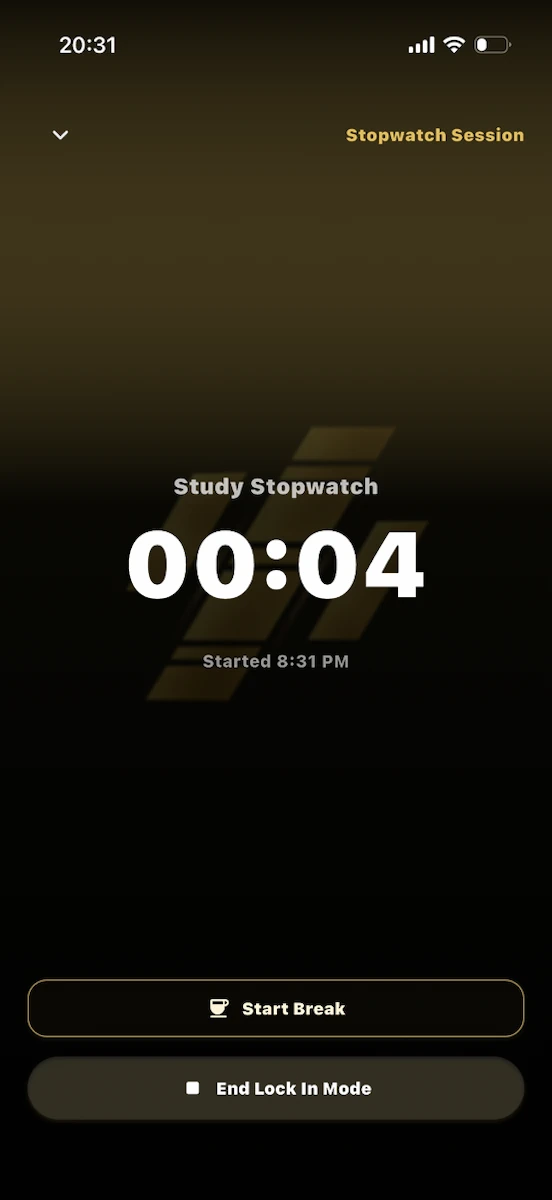
Lock-in Mode turns your plan into focused study sessions and keeps your time and streak moving in the right direction.